
What Is a PDF File?
PDF stands for Portable Document Format. Adobe developed it in 1993 as a way to share documents that would look identical on any device or operating system, without requiring the original software used to create them. In 2008, the format was adopted as an open ISO standard, which opened the door for dozens of third-party readers and tools to emerge beyond Adobe's own software.
A PDF file can contain text, images, graphics, hyperlinks, form fields, and embedded fonts all packaged into a single file that's easy to share, archive, and print.
What Does a PDF Reader Do?
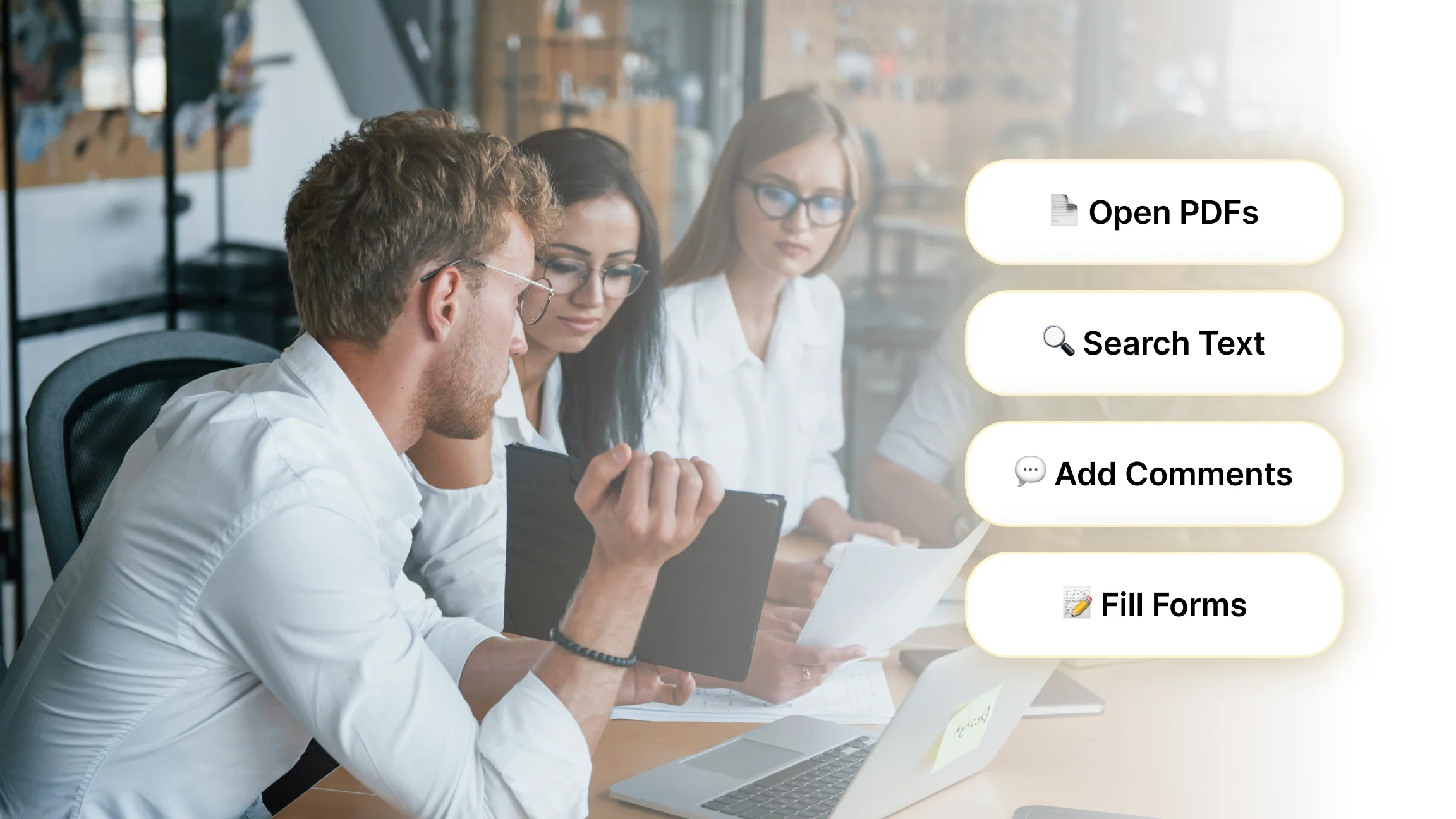
At its most basic, a PDF reader opens and displays PDF files. But most modern readers go well beyond that:
Navigation: Zoom in and out, rotate pages, jump to specific sections, and search for keywords within a document.
Annotations: Highlight text, underline passages, add sticky notes, and leave comments without altering the original content.
Form Filling: Enter information into interactive PDF forms, such as tax documents, contracts, or job applications.
Digital Signing: Add legally recognized electronic signatures to agreements and official documents.
Bookmarks: Save your place or mark sections you want to return to later.
PDF Reader vs. PDF Editor: What's the Difference?
These terms are often used interchangeably, but they describe different levels of functionality.
A PDF reader lets you view and interact with a document highlighting, annotating, signing but you cannot change the original text or restructure the layout.
A PDF editor goes further, letting you modify existing content: edit or delete text, rearrange or remove pages, insert new images, and convert the file to other formats like Word or Excel.
Some software combines both roles. Adobe Acrobat Pro, for example, functions as both a full reader and a fully featured editor. Free versions of most tools cover reading and basic annotation but lock editing behind a paid tier.
Do You Need to Download a PDF Reader?
Most modern operating systems and browsers include a built-in PDF viewer:
Windows opens PDFs natively in Microsoft Edge
macOS and iOS use Apple Preview by default
Google Chrome, Firefox, and Safari all render PDFs directly in the browser tab
These built-in tools are fine for basic viewing. If you need annotations, form filling, signing, or more control over your reading experience, a dedicated PDF reader is worth installing.
The Most Popular PDF Readers
Listen AI is a text to speech app that takes a different approach to PDF reading, instead of displaying the document on screen, it converts any PDF, article, or web page into natural sounding audio instantly. Highlight the text, choose a voice, and listen. It's particularly useful for long documents you'd rather follow along with than read through, and works just as well on the go as it does at a desk.
Adobe Acrobat Reader is the most widely used PDF reader in the world. As the company that created the PDF format, Adobe's free reader remains the benchmark, it supports viewing, annotating, commenting, and signing, with editing available in the paid Pro version.
Foxit PDF Reader is a popular lightweight alternative known for being faster and less resource-intensive than Adobe. It supports annotations, cloud integration, and basic form filling.
Sumatra PDF is an open-source reader for Windows that's minimal by design, fast to load, simple to use, and ideal for anyone who just needs to read documents without extra features.
PDF-XChange Editor offers one of the more feature-rich free tiers, including OCR (the ability to extract searchable text from scanned documents), annotations, and export options.
Apple Preview (macOS) is a capable built-in option that handles annotations, form filling, and signatures without needing any additional software.
What If You Could Listen to Your PDFs Instead?
Traditional PDF readers are built around the screen, you open the document, scroll through it, and read. That works well enough for short files, but for longer reports, research papers, or dense contracts, reading start to finish can be slow and draining.
A growing alternative is audio-based PDF tools, which convert document text into natural-sounding speech instead of displaying it visually. Listen AI sits in this category. Rather than functioning as a viewer, it works more like a narrator, you highlight any text from a PDF, article, or website, pick a voice that suits the tone, adjust the pace, and listen. There's no copy pasting, no switching between apps, and no manual steps involved.
It's a different kind of reading experience, and one that fits naturally into situations where a traditional reader doesn't: commuting, multitasking, reviewing long documents without screen fatigue, or simply processing information better through audio than text. For anyone who spends significant time working through PDFs, it's worth knowing the option exists.
Are Free PDF Readers Safe?
Generally yes, provided you download from the official source. Adobe Acrobat Reader, Foxit Reader, Sumatra PDF, and PDF-XChange Editor are all reputable and widely trusted. The risk comes from unofficial download sites that bundle additional software or distribute modified versions.
A few good practices: always download from the developer's official website, keep your reader updated (outdated versions can have known security vulnerabilities), and make sure your device's antivirus software is current before installing anything new.
What Is a PDF Reader Used For?
PDF readers are used across virtually every professional and personal context where documents are shared:
Reading contracts, invoices, and legal agreements
Viewing research papers, academic journals, and reports
Filling out government forms and applications
Reviewing design files, manuals, and user guides
Annotating study materials or collaborative documents
Signing and returning documents without printing them
