
What Does TTS Mean?
TTS stands for text to speech, a technology also referred to as speech synthesis. The term describes any system that takes written text as input and produces spoken audio as output. TTS is widely used as shorthand across apps, browser extensions, and productivity tools. Beyond convenience, TTS plays a meaningful role in accessibility, giving people with visual impairments and learning disabilities like dyslexia a way to access written content through audio rather than reading.
How Text to Speech Works?
Modern text to speech systems are powered by artificial intelligence and deep learning. Unlike early computer-generated voices that sounded robotic and flat, today's AI voices are built on neural networks trained on large datasets of real human speech. The result is audio that closely mirrors natural pronunciation, rhythm, and tone.
The process of converting text to audio follows three core stages. First, the system analyzes the text, reading punctuation, abbreviations, and sentence structure to determine how each word should be spoken. Second, it breaks the words down into their phonetic components, the basic units of sound that make up spoken language. Third, it synthesizes those components into a continuous audio output using a voice encoder, producing speech that sounds fluent and natural.
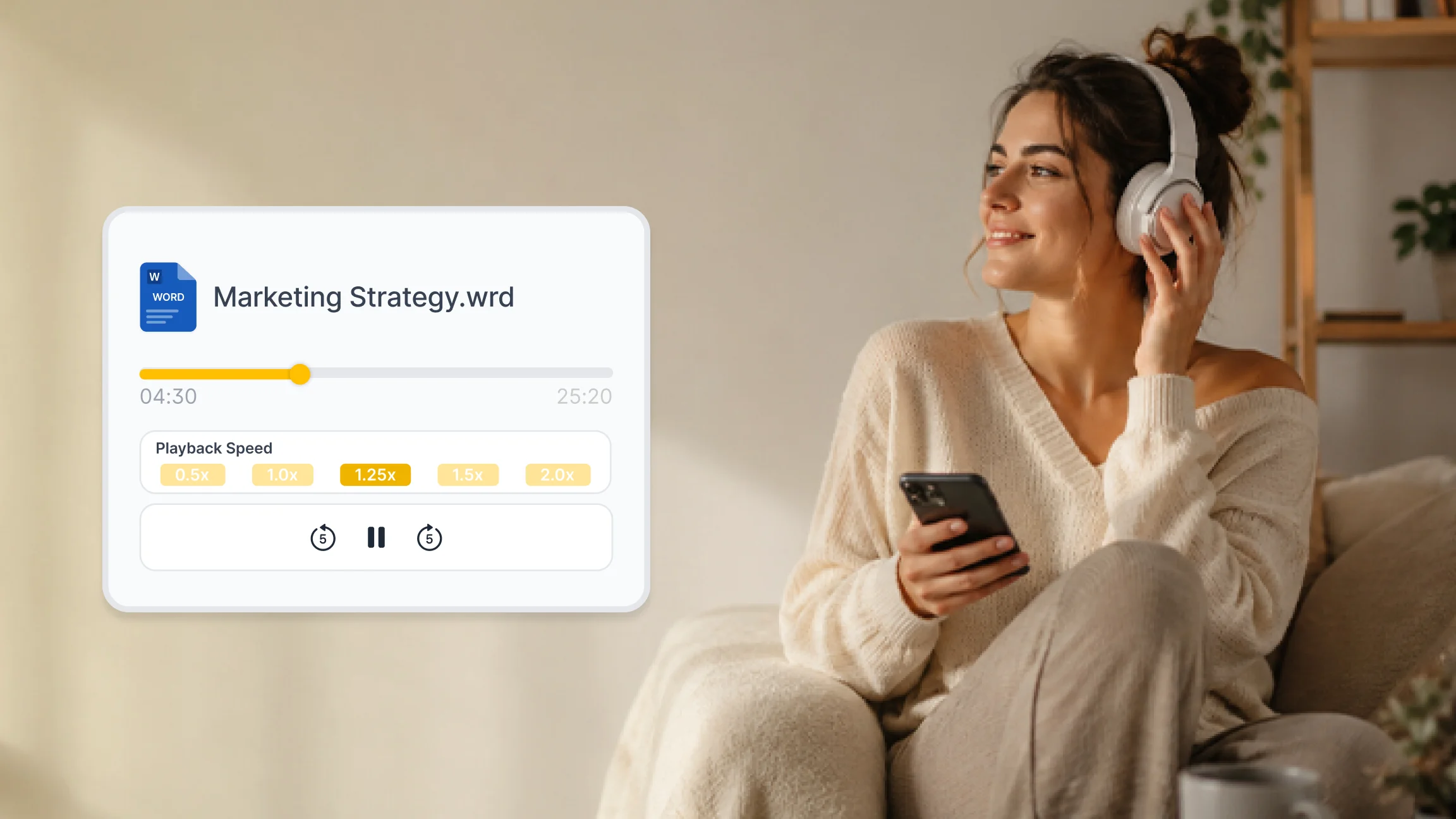
AI text to speech systems can also adjust for context. They apply different emphasis to questions, statements, and lists. They handle proper names, numbers, and technical terms with greater accuracy than older rule-based systems. Many platforms offer adjustable playback speeds, multiple language options, and a range of voices so users can match the listening experience to their preferences.
Who Uses Text to Speech?
Text to speech technology was originally developed as an accessibility tool for people with visual impairments and reading difficulties such as dyslexia. That use case remains important. A well-built TTS reader allows anyone with difficulty reading standard text to access written content independently and at their own pace.
Over time, text to speech has expanded well beyond accessibility into everyday productivity. Students use it to review study notes, listen to research papers, and retain information from long reading assignments. Professionals use it to stay on top of lengthy reports, briefings, and articles without sitting at a screen. Content creators use it to consume reference material quickly while working on other tasks.
Everyday users are also turning to TTS readers for general content consumption. Listening to news articles, blog posts, and personal documents during a walk or a workout has become a practical habit for people who have more to read than time allows.
When Text to Speech Makes Sense?
Knowing when to use a TTS reader is as important as knowing what it does. These are the situations where audio reading genuinely adds value.
During commutes and travel:
Any time your eyes need to be elsewhere, text to speech fills the gap. Listening to content on public transport or during a drive covers reading time that would otherwise be lost.
When screen fatigue sets in:
Extended periods in front of a screen take a toll on focus and concentration. Switching to audio gives your eyes a rest while keeping you informed. A good text to speech app lets you continue absorbing content without adding more screen time.
For long or dense documents:
Legal documents, academic papers, and technical reports are easier to process when heard. Listening allows you to follow the structure of a document at a pace that suits you, pausing and rewinding as needed.
For language learning and pronunciation
A read aloud text to speech tool helps language learners hear correct pronunciation in context, reinforcing what they study from written material.
When multitasking:
Tasks like exercise, cooking, or light administrative work pair well with audio. An online text reader or mobile TTS app means your hands and eyes are free while you continue learning or working.
What to Look for in a Text to Speech App?
Not all text to speech software delivers the same experience. The quality of AI voices varies significantly, as does support for different file types and content sources.
A strong TTS app should handle PDFs, Word documents, web articles, and pasted text. It should offer a clear, natural sounding voice without distracting artifacts or mispronunciations. Speed control is essential: the ability to listen anywhere from a slow, deliberate pace to 4.5x speed makes the tool useful for both careful review and rapid consumption. Multi-language support, offline listening, and the ability to sync progress across devices are features worth evaluating before committing to a platform.
Listen AI converts any written content into high quality audio using advanced AI voices. You can upload a PDF, paste a URL, or drop in any document and start listening immediately. Playback speed adjusts up to 4.5x, so you set the pace. Smart highlighting keeps your place in the text, and your progress is saved automatically across sessions.
